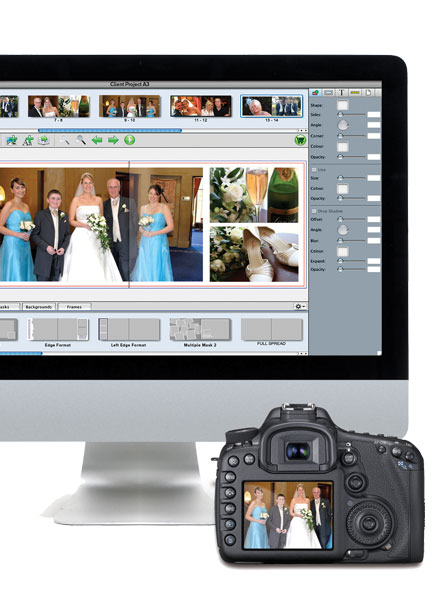
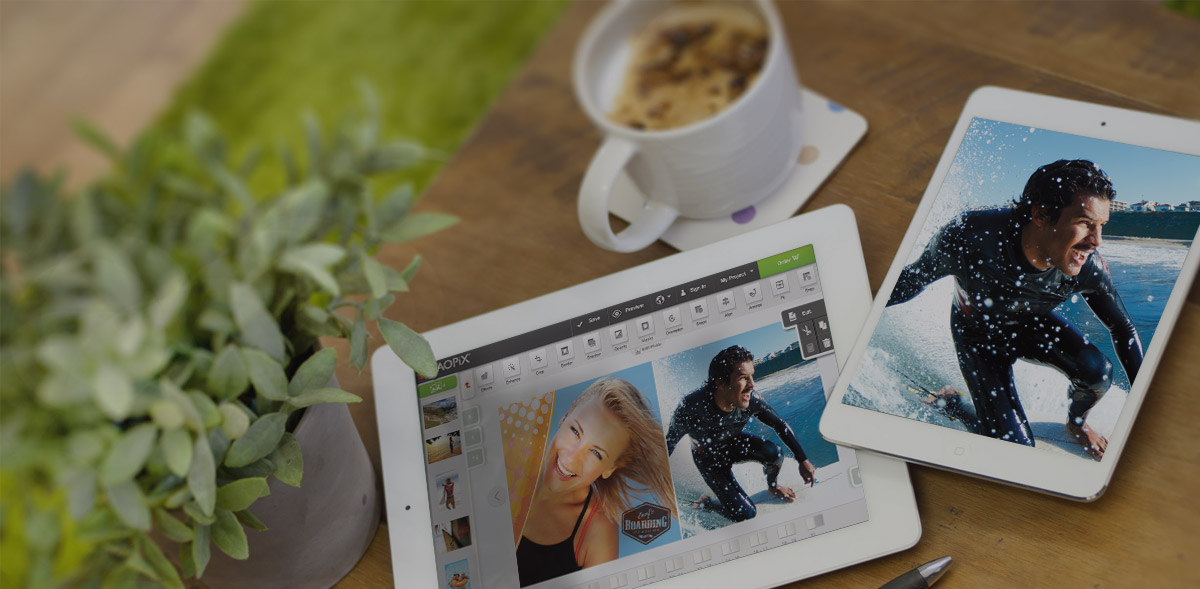
Our user friendly Desktop Designer software is designed to be highly customisable, flexible and brandable – just like the rest of our platform!
Taopix gives you all the tools you need to configure and control your desktop photobook designer software so that you can:
- Brand and customise using your own branding, logos and colours. Customisation areas include the landing page, splash screen, product selector window, shopping cart and email templates.
- Offer a wide range of products and templates! From photobooks to calendars, greetings cards and more.
- Focus on one niche product if you prefer, i.e. ready books or wedding books.
- Turn design features on or off, from fonts to masks, backgrounds to frames and scrapbook items etc. When it comes to design features, you can offer customers either a limited or wide choice range.
- Pick your templates and fonts. Set up your own templates or use the starter templates, backgrounds, fonts* and images provided.
- Auto detect languages, covers approximately 20 languages and growing.
- Link to asset management libraries. Use our Library Link feature** to offer your customers more choice.
- AutoUpdate. Ensures your customers always have access to the latest content published by you; from products to backgrounds, masks to pricing and more.
- Provide a wizard tool and a flight check. Turn the wizard on or off and configure per product. Configure our flight check to ensure jobs are right before they are sent off to print.
Use our powerful Creator tool to create and edit the options you offer to customers within the Desktop Designer as often as you like.
* Additional fonts require a font license for internet usage. Ensuring the correct font licenses are in place is the responsibility of your business. ** Library Link feature is available as part of the Taopix Enterprise package only - see packages for further details.